
Move with confidence
Example voiceover · Brand launch
Meet the moment. Move with confidence. Every step takes you somewhere new.
Eleva tu contenido de audio con nuestro potente Sound Studio. Mezcla sin problemas voces generadas por IA con música de fondo y exporta en tu formato preferido.
Proyectos de ejemplo
Example voiceover · Brand launch
Meet the moment. Move with confidence. Every step takes you somewhere new.
Explora libremente. Regístrate para crear. Los ejemplos están pregenerados.
Importar audio
Arrastra y suelta o explora
Herramientas IA
Línea de tiempo
Selecciona música de fondo, ajusta volúmenes, elige tu formato y genera audio profesional en un clic.
Seleccionar música de fondo
Volumen de música de fondo
50%Volumen del resultado final
75%Establecer título del resultado
Formato de archivo de audio
Voz + música relaxing
Salida
MP3 · 75% volume
Un flujo de trabajo optimizado que te lleva de la idea a la exportación sin salir del navegador.
01
02
03
04
Combina intros, outros y narración generados por IA con música de fondo para episodios de podcast pulidos. Ajusta niveles, agrega transiciones y exporta en formatos listos para podcast — todo sin software de edición externo.
Prueba Sound Studio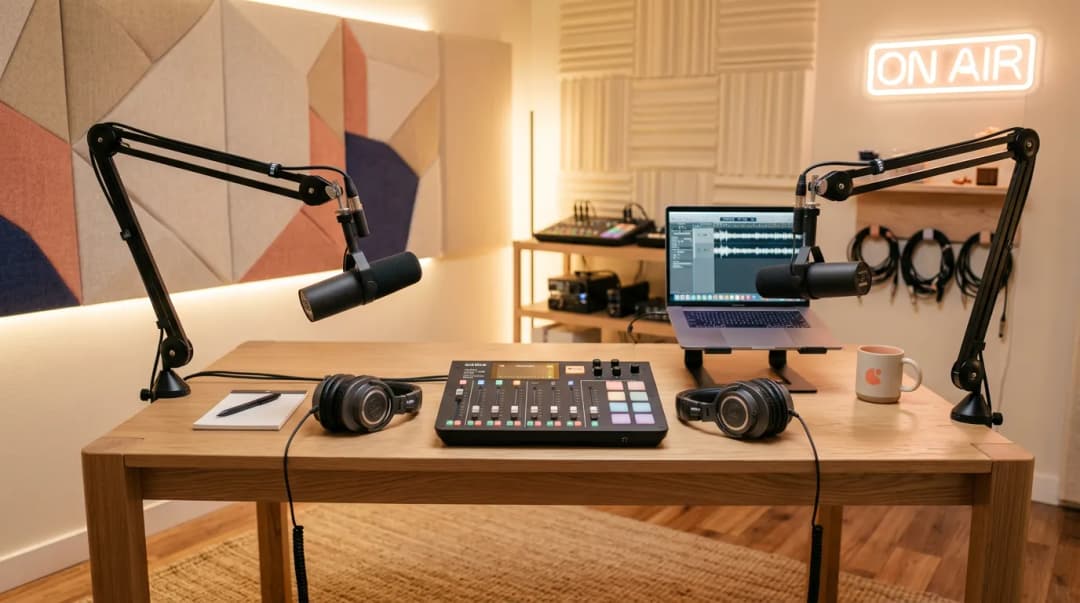
MP3
Formato comprimido ideal para web, streaming y redes sociales. Archivos pequeños con gran calidad.
Up to 320kbps · Universal compatibility
WAV
Audio sin comprimir y sin pérdida para producción profesional. Máxima calidad para transmisión y masterización.
16/24-bit · 44.1/48kHz · Studio quality
OGG
Formato comprimido de código abierto con excelente calidad. Popular para videojuegos, aplicaciones y audio web.
Variable bitrate · Royalty-free codec
Edición de línea de tiempo multipista
Eliminación de ruido IA
Aislamiento de voz
Mejora de audio
Biblioteca de música de fondo
Automatización de volumen
Exportación en un clic
Procesamiento por lotes

Craig P.
GB
“Me sorprendió mucho lo bien que suenan algunas voces. Puedes añadir etiquetas de énfasis, pausas y pronunciación. Es ideal para locuciones de video. Las funciones recientes también permiten crear fotos, videos y música con IA.”
Cristian C.
Administrador
“VERBATIK es fácil de usar y mejora rápidamente la calidad del contenido. Valoro su capacidad para ofrecer sugerencias y correcciones sin alterar el tono que quiero mantener.”
Bejan Andrei
MD
“Usamos Verbatik para videos promocionales, explicativos y anuncios cortos. Las voces de IA suenan profesionales, los avatares se ven muy bien y el generador de video permite producir contenido con rapidez.”

Tom G.
Sr.
“Me gusta cómo funciona el texto a voz: es muy rápido, especialmente al usar APIs, y la capacidad de clonación de voz es muy buena.”
Makgotso R.
Creador de contenido
“La amplia variedad de voces de IA y la posibilidad de personalizar la experiencia de voz son muy valiosas para mí como creador de contenido.”
Lucian
RO
“Las voces suenan increíblemente naturales después de las últimas actualizaciones. Puedes clonar tu voz, generar avatares de IA o añadir música de fondo, todo desde el mismo panel.”
Una plataforma para voz, video, música e imágenes — todo incluido en tu plan.
Únete a más de 150,000 creadores, desarrolladores y empresas que usan Verbatik AI para producir locuciones de calidad de estudio, clonar voces y generar música y efectos de sonido.
150K+
creadores
150+
idiomas
75ms
latencia
La confianza de equipos en empresas líderes en todo el mundo


