
AI Captions Generator: Auto-Subtitle Any Video in 100+ Languages
Win more engagement on social media by adding automatic AI captions to your videos. Instantly generate subtitles and closed captions for your content so your audience watches even on mute.
Original Video
Without captions
With AI Captions
80% more engagement
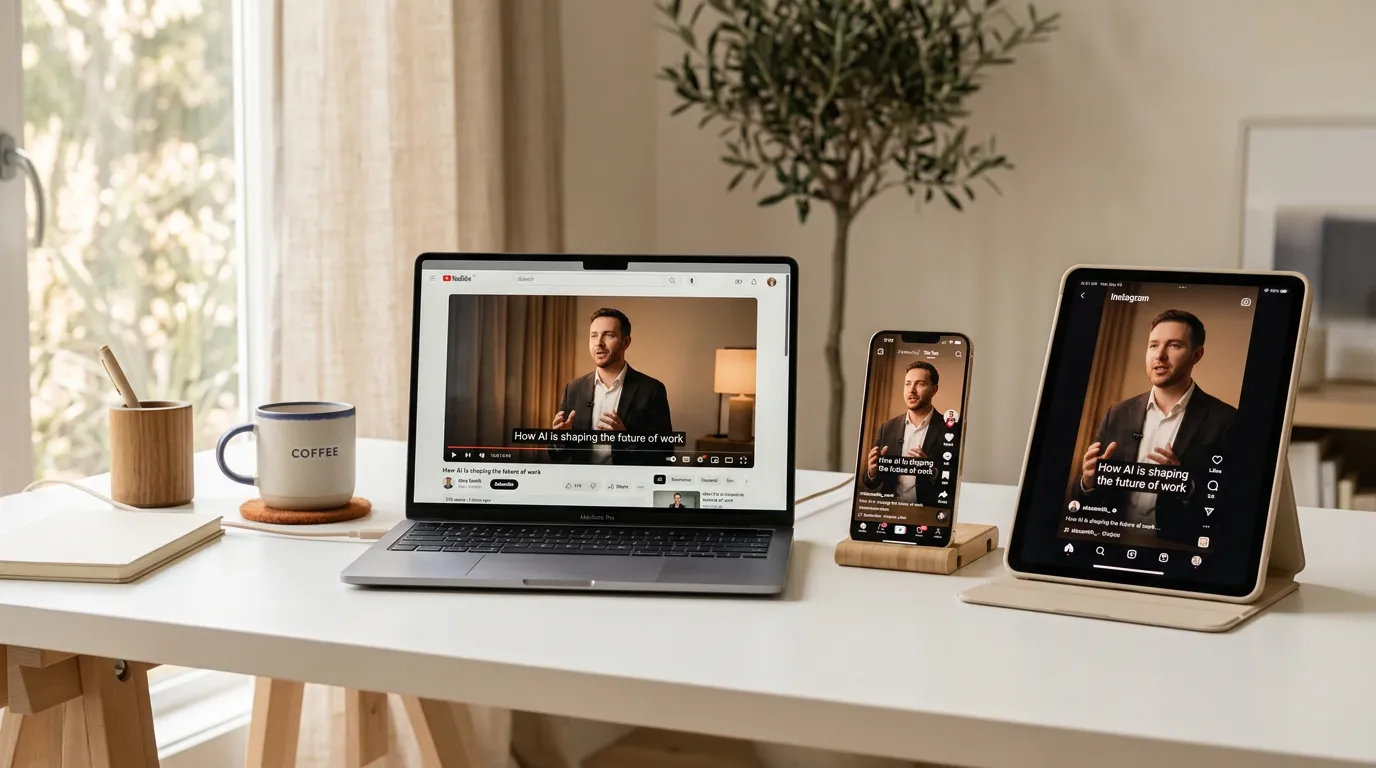
Works with 16:9 videos too
YouTube, podcasts, tutorials, webinars — add captions to any landscape video in seconds.
Original Video
Without captions
With AI Captions
80% more engagement
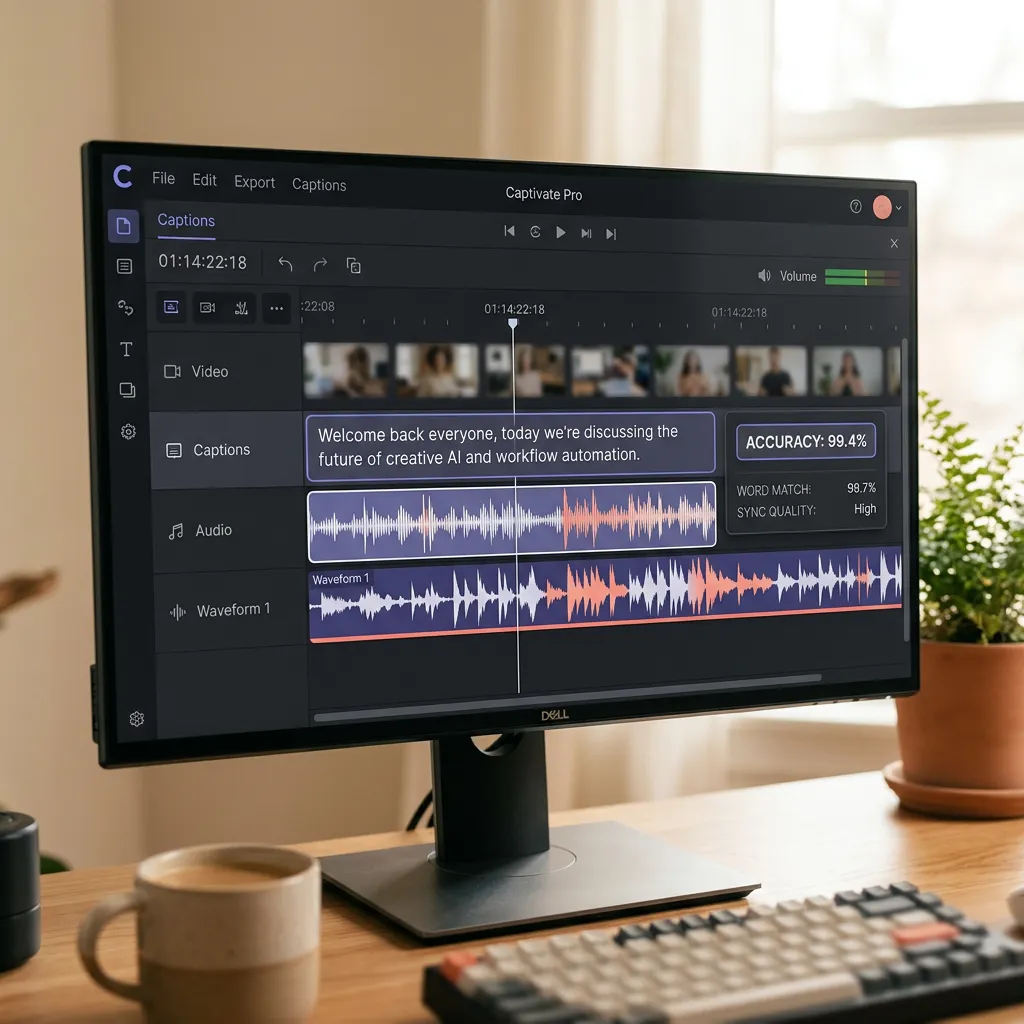
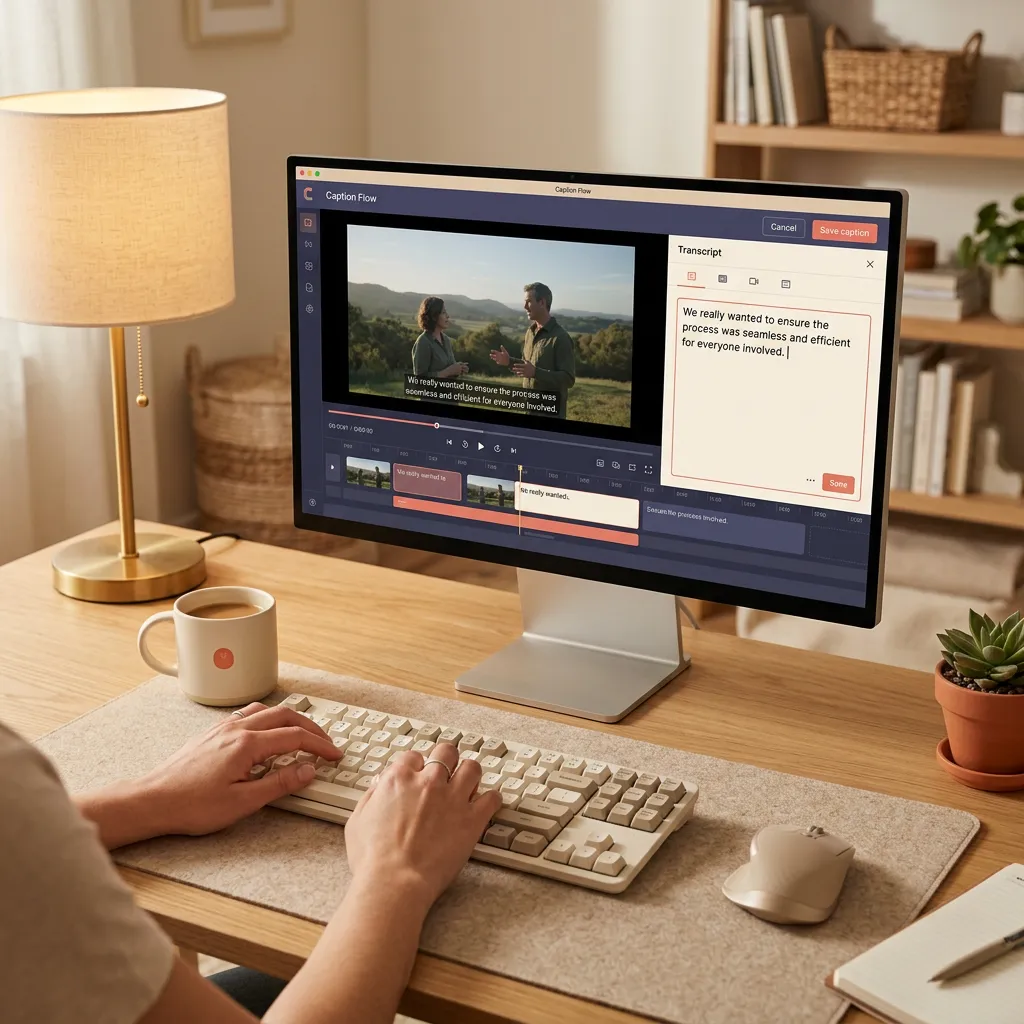
Everything you need for professional captions
From auto-generation to custom styling, our AI captioning suite handles every aspect of adding subtitles to your videos.
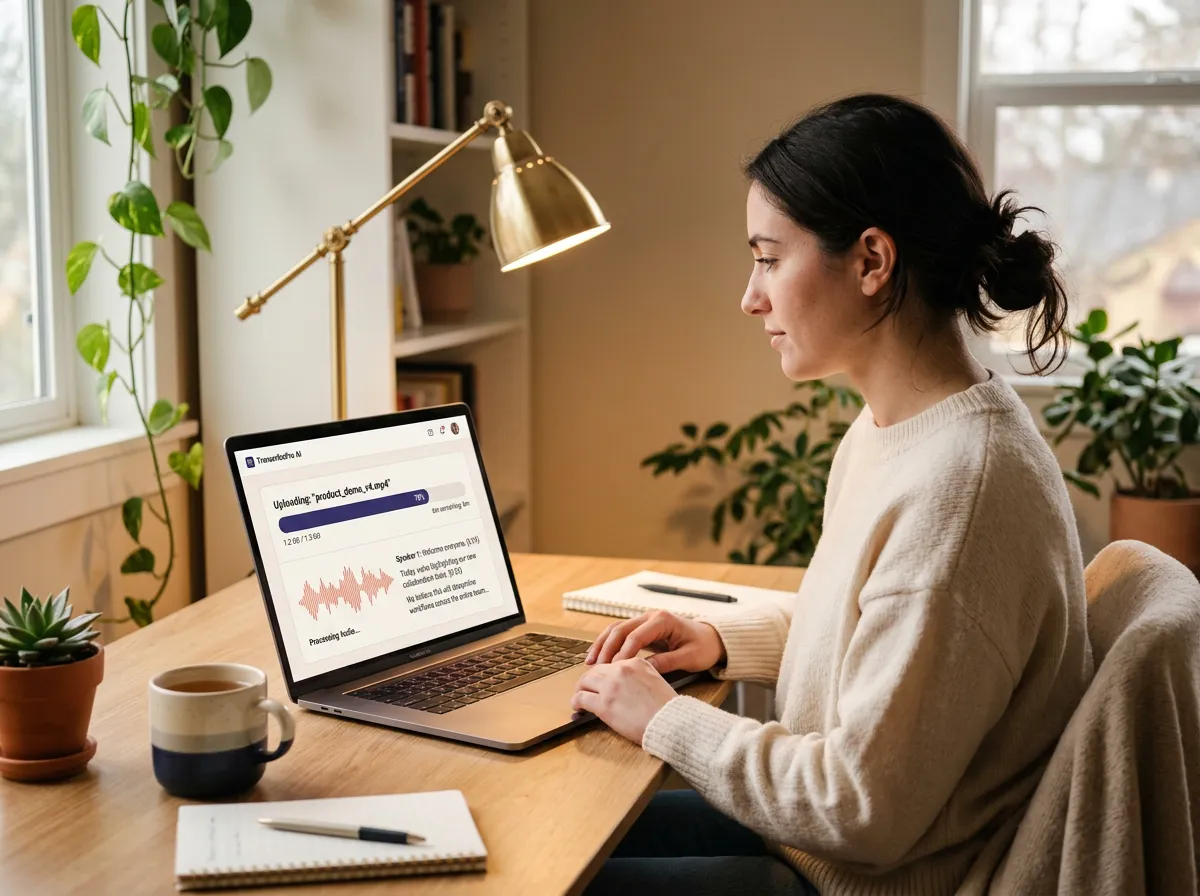
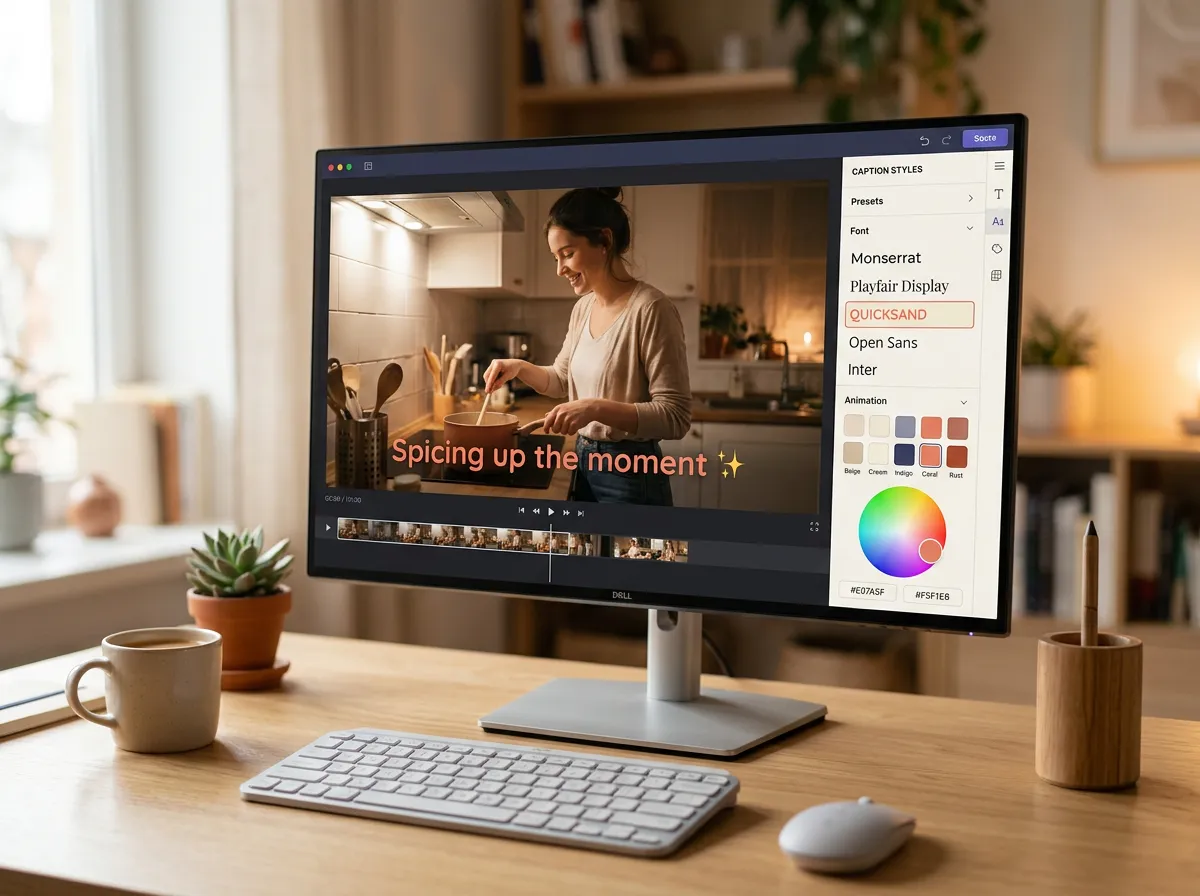
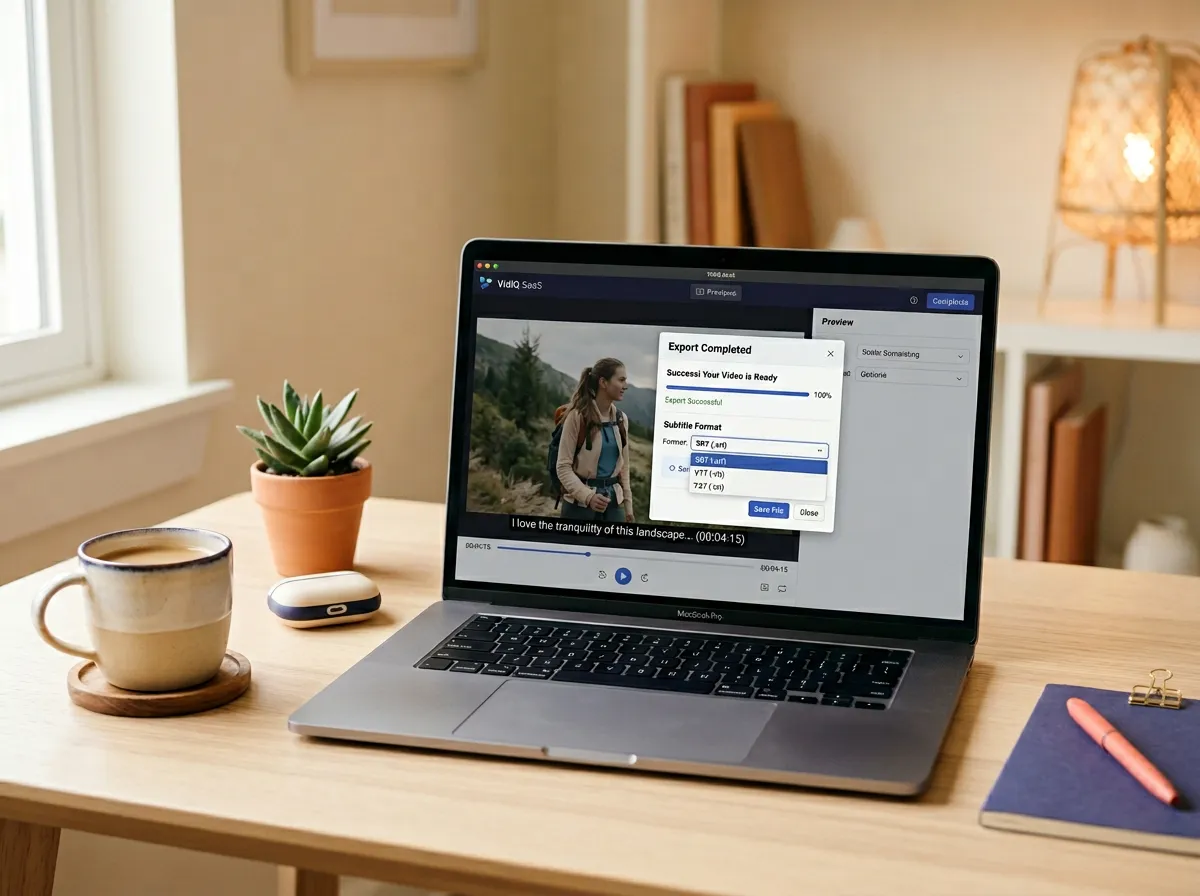
How to auto-generate captions
Three simple steps to add professional captions to any video. No manual typing, no expensive transcription services.
1
2
3
See AI captions in action
From social media clips to corporate training, see how AI captions transform different types of content.
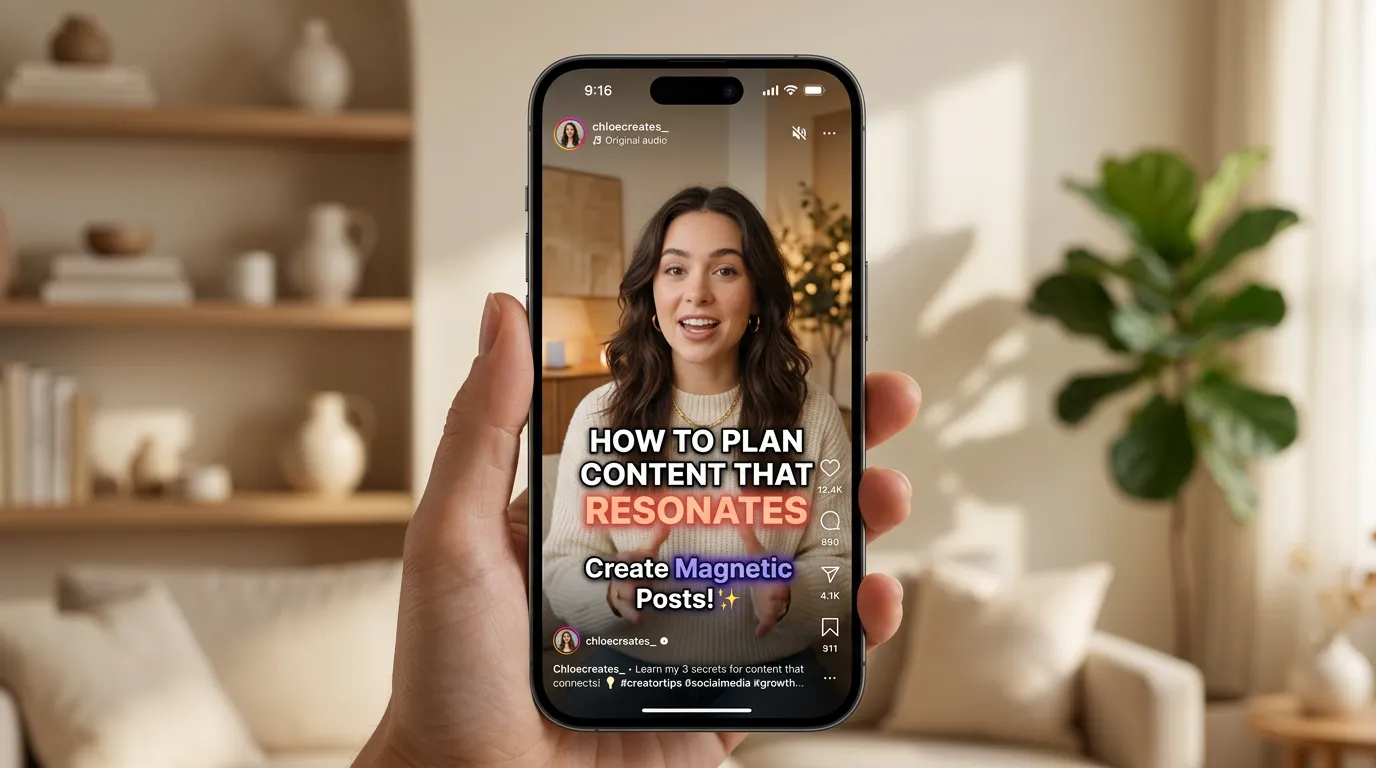
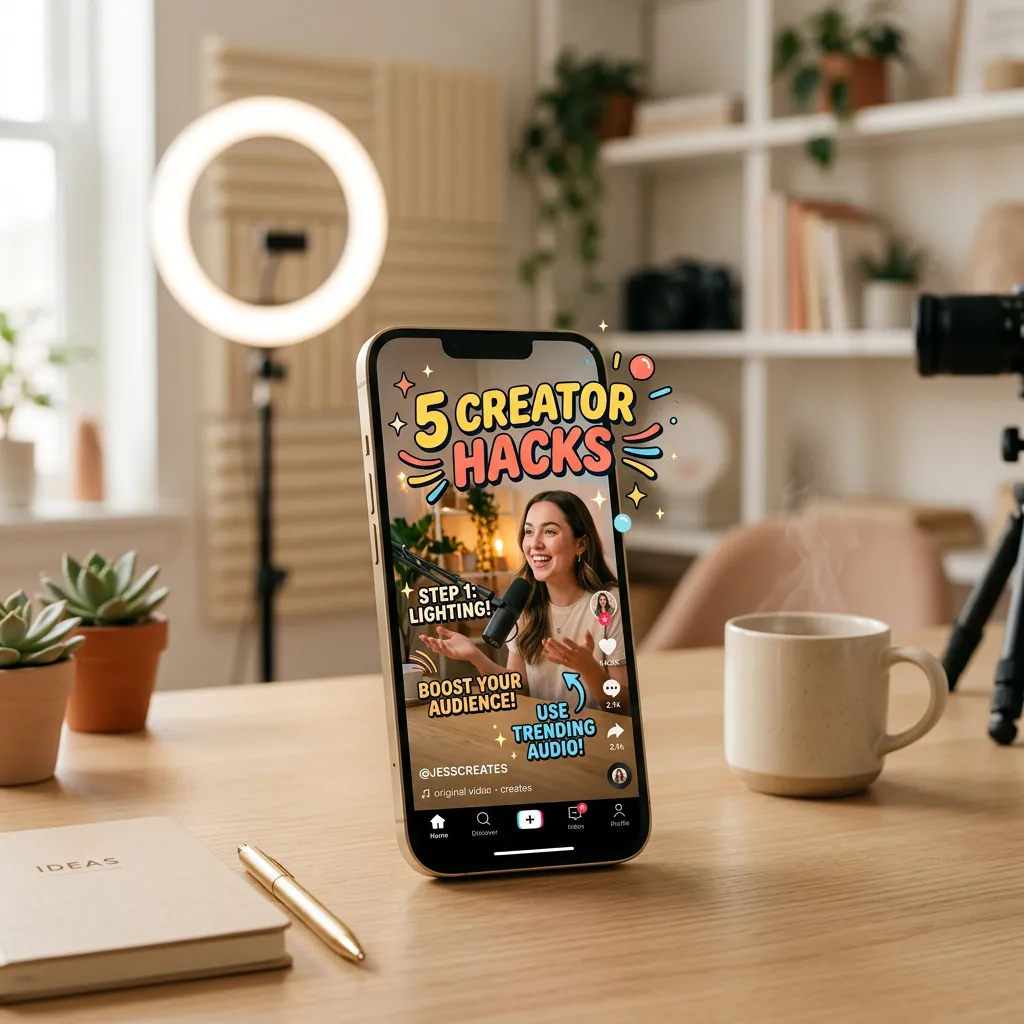
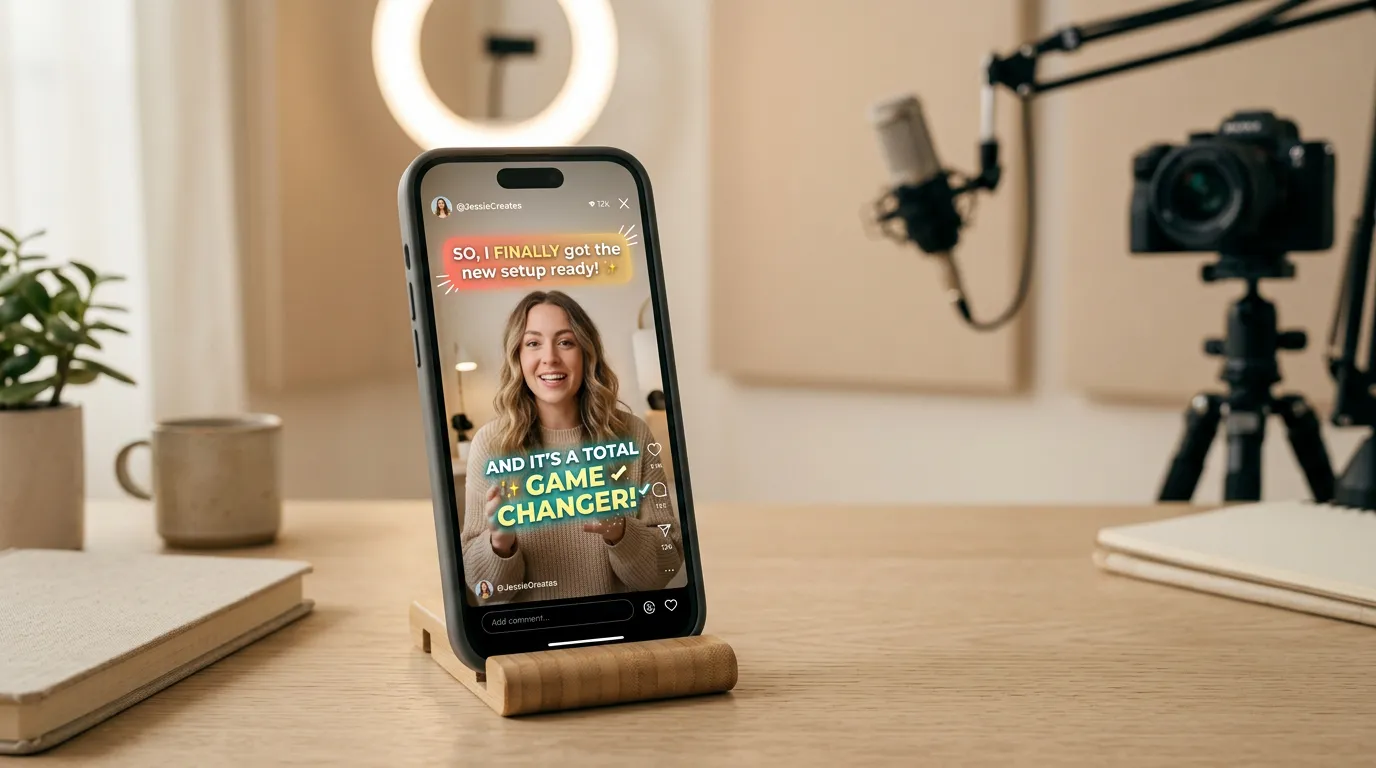
Instagram Reel with animated captions
Karaoke-style word highlights that sync perfectly with speech. Designed for vertical video formats.
Works with every platform and format
Upload videos from YouTube, Google Drive, Vimeo, Zoom, Twitch, Facebook, LinkedIn, Loom, Riverside, StreamYard and more. Or upload files directly in any common format.
Export hardcoded captions or download subtitle files in SRT, VTT, TXT, ASS, or SSA format. Ready for any platform, any workflow.
Why creators add AI captions to every video
Captions aren't just for accessibility — they're a growth strategy. More engagement, more reach, more impact.

Use cases
Viral Short-Form Content
Create scroll-stopping TikToks, Reels, and Shorts with animated captions that boost engagement. Captions increase watch time by up to 80% and make your content accessible to viewers watching without sound.
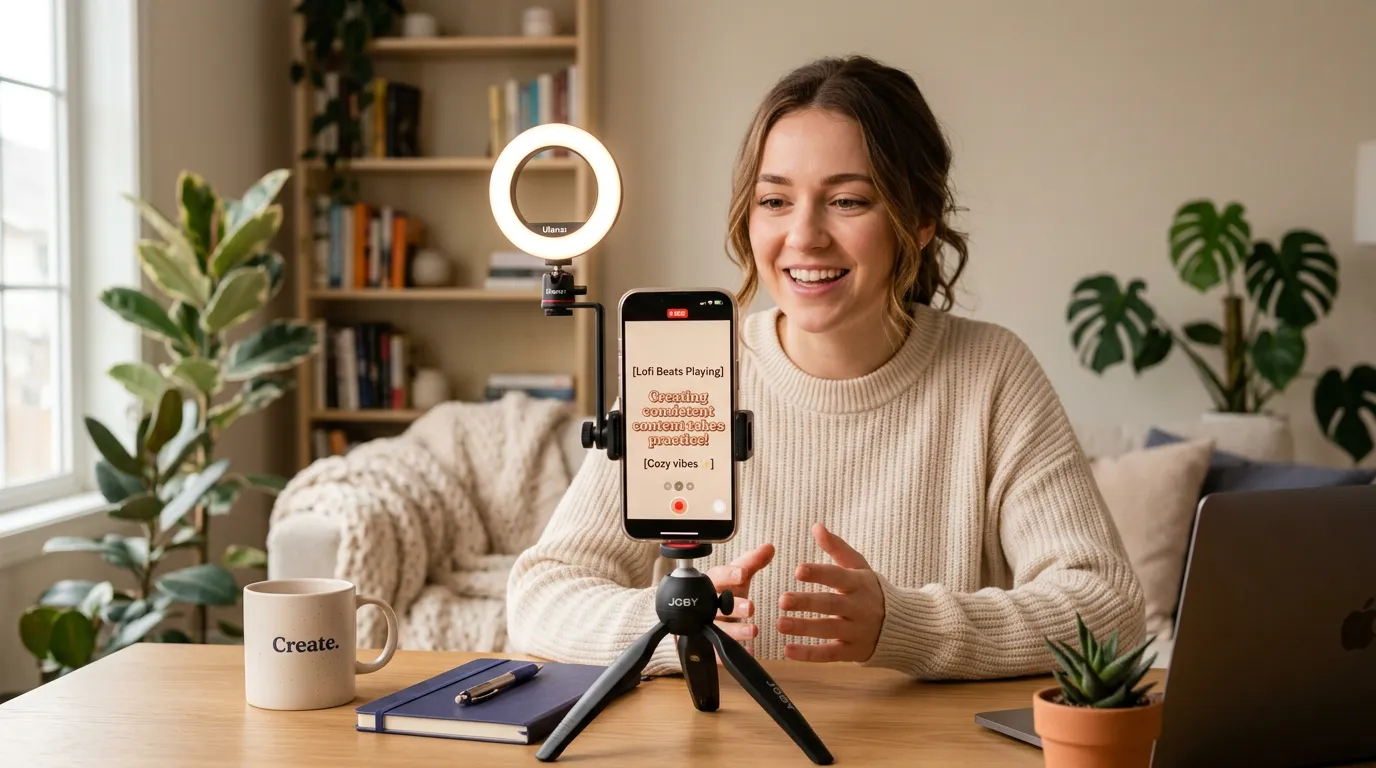
AI captioning, video editing, and more
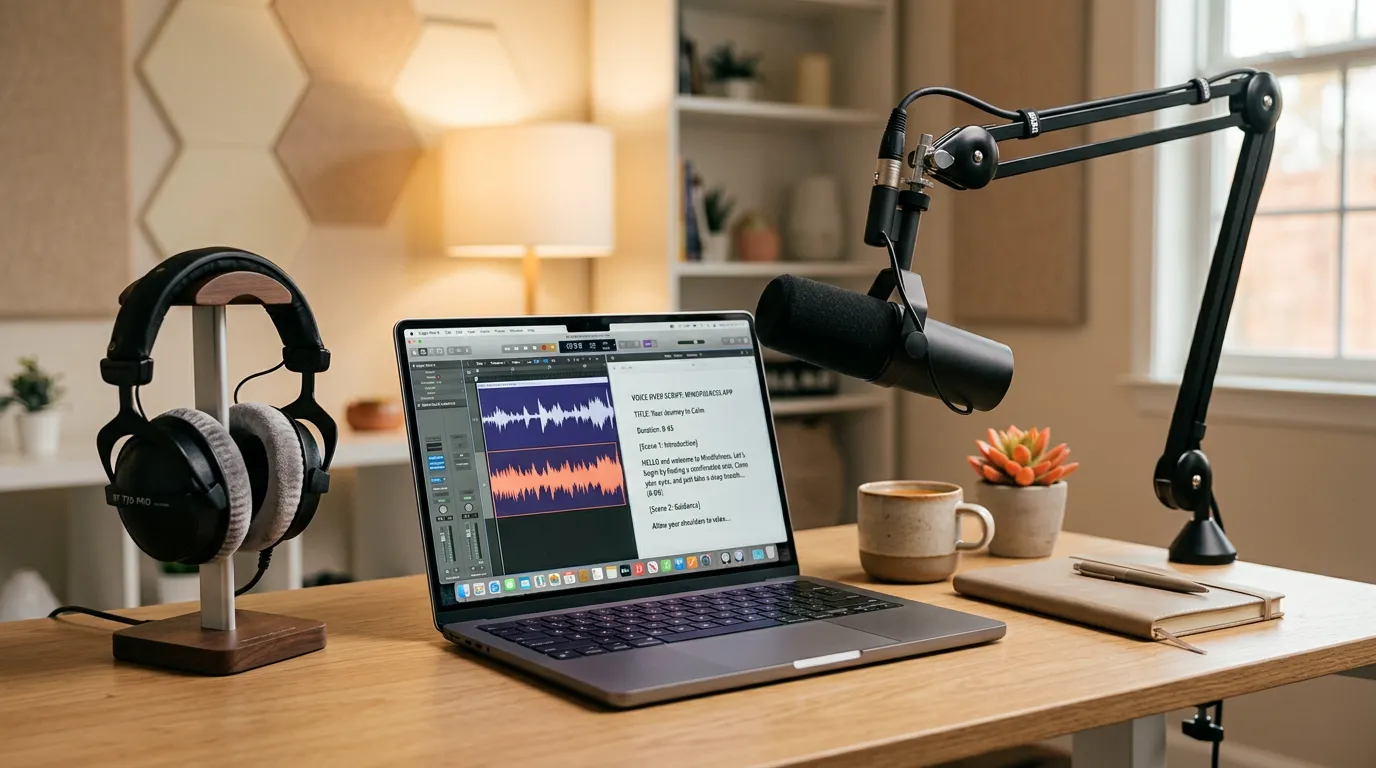
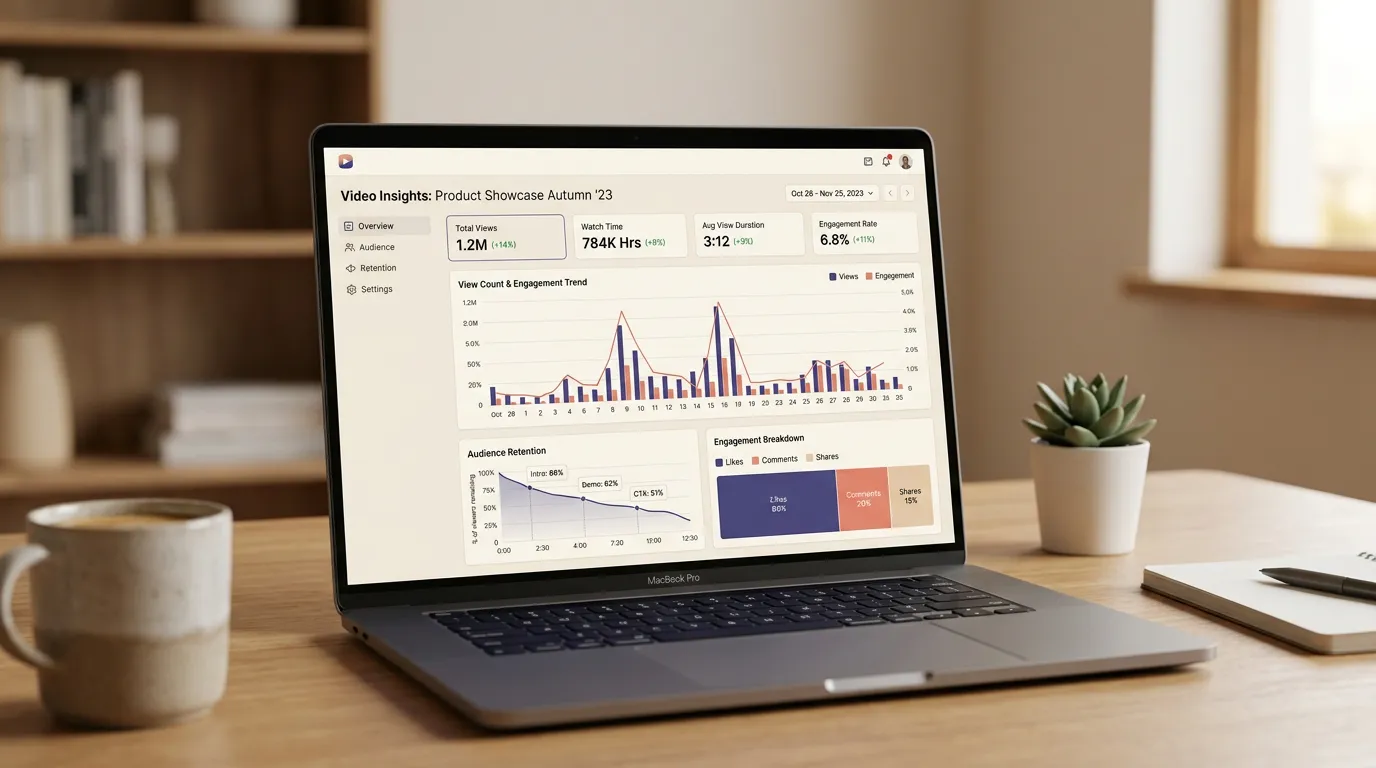
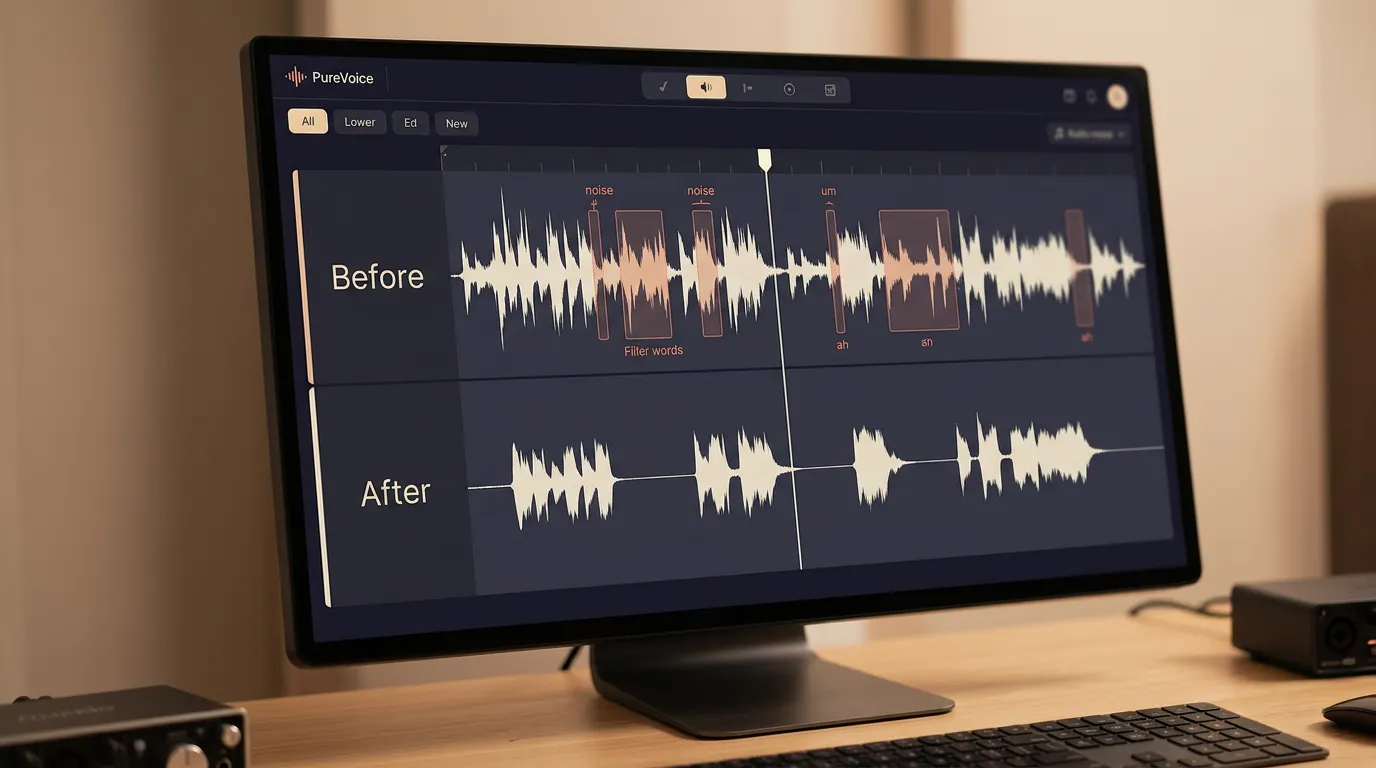
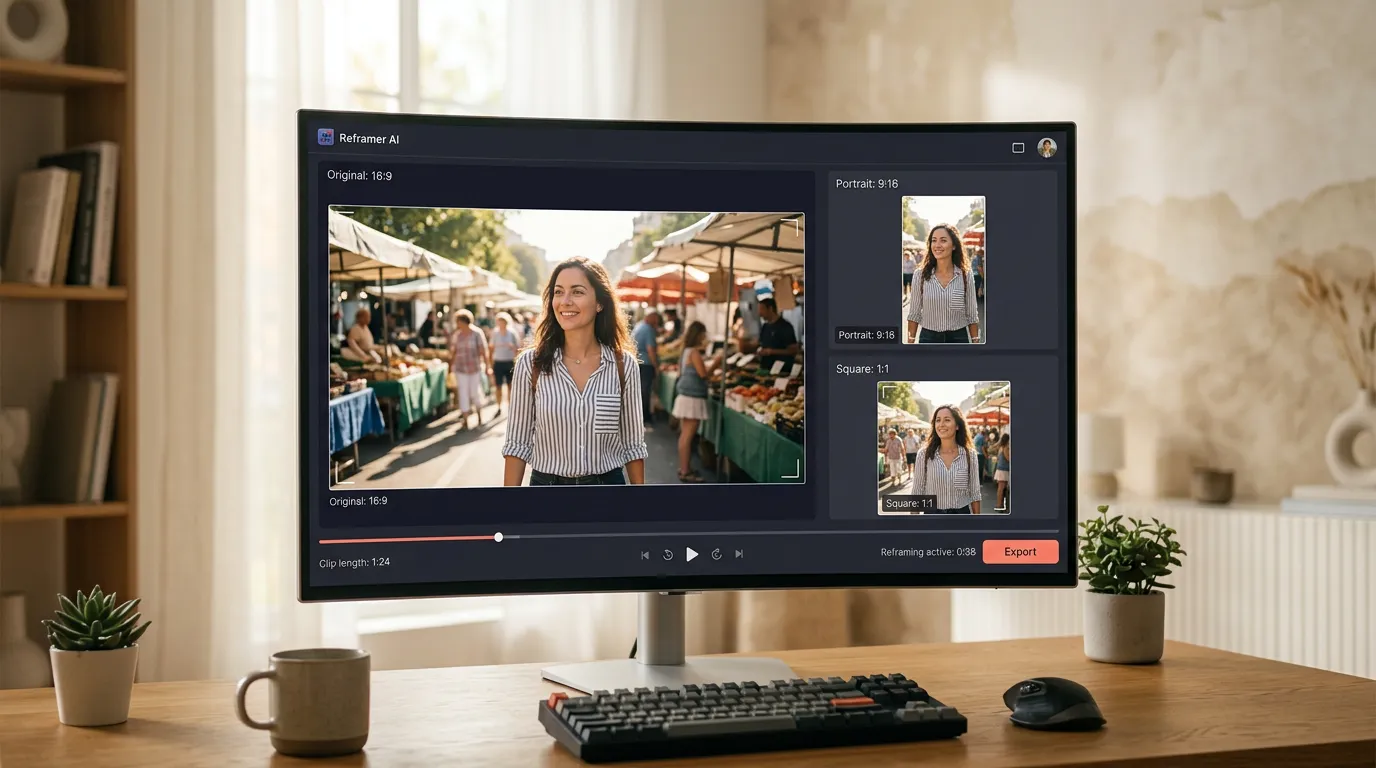
Online automatic captioning is just one of our AI-powered features. Explore the full suite of tools to transform your videos into stunning content.
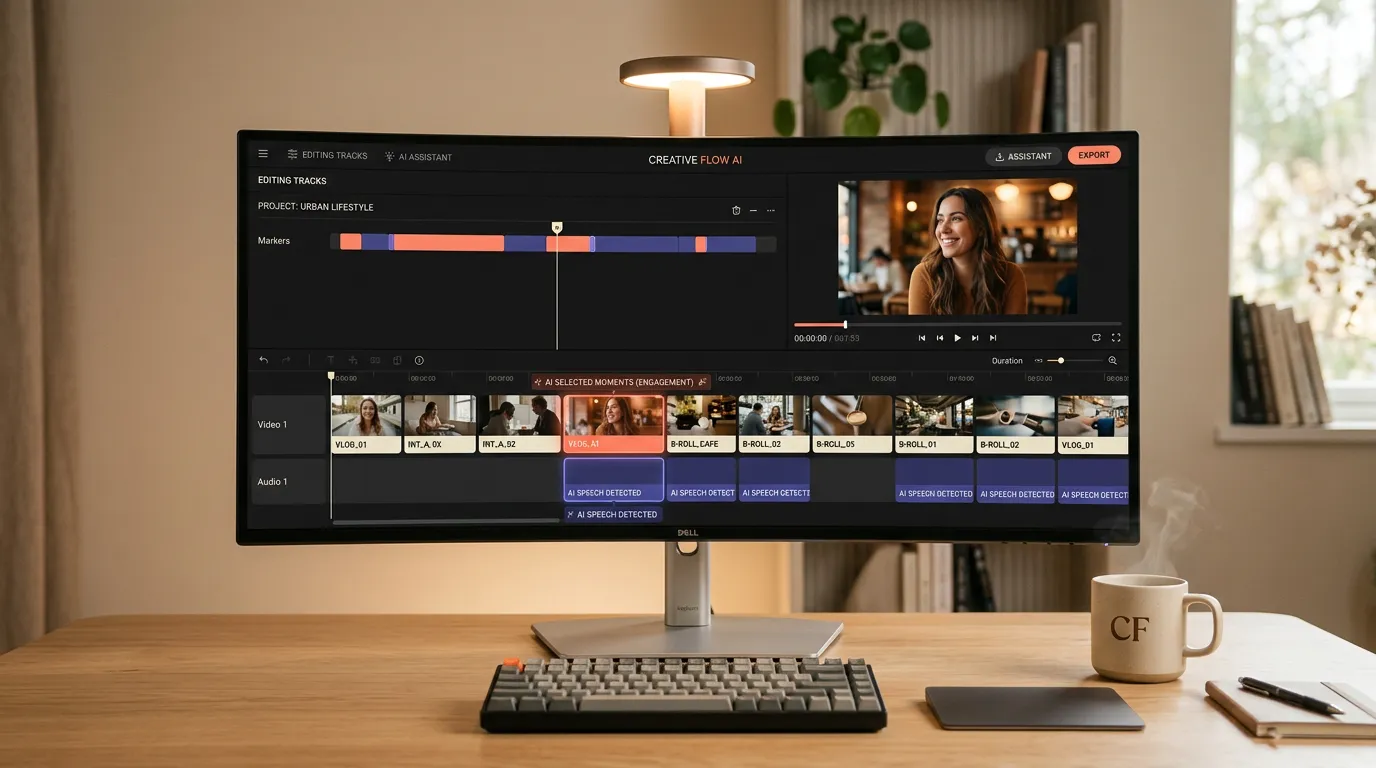

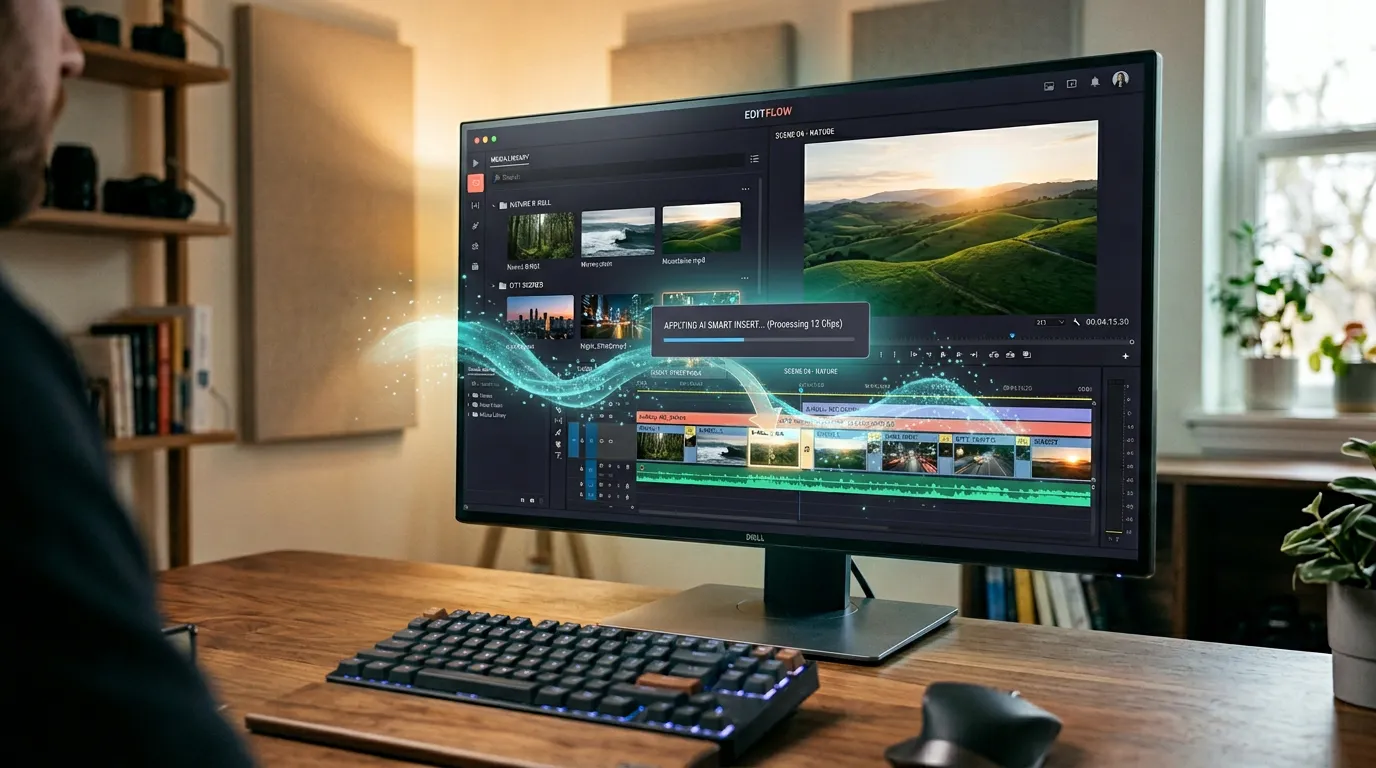
Frequently asked questions
Loved by creators worldwide
Craig P.
GB
“I was really surprised at just how good some of the voices are. You can add tags for emphasis, pauses, and pronunciation. Great for video voice-overs. Recent additions also allow AI photos, videos, and music.”
Cristian C.
Administrator
“VERBATIK is straightforward to use and improves content quality quickly. I value its ability to provide suggestions and corrections while keeping my intended tone intact.”
Bejan Andrei
MD
“We use Verbatik for promotional videos, explainers, and short ads. The AI voices sound professional, avatars look great, and the video generator helps produce content fast.”

Tom G.
Mr
“I like the way text to speech is working, very fast, especially when using APIs, and the voice cloning ability is very good.”
Makgotso R.
Content Creator
“The broad range of AI voices and the ability to personalize the voice experience is very valuable to me as a content creator.”
Lucian
RO
“The voices sound incredibly natural after recent updates. You can clone your voice, generate AI avatars, or mix in background music — all from the same dashboard.”
Read our articles


Explore more Verbatik AI tools
One platform for voice, video, music, and images — all included in your plan.
Start creating today
Ready to bring your content to life?
Join 150,000+ creators, developers, and businesses using Verbatik AI to produce studio-quality voiceovers, clone voices, and generate music and sound effects.
- 1,500+ neural voices in 150+ languages
- Voice cloning from a single audio sample
- Music, sound effects, and video generation
- Full API access with real-time streaming
- Commercial license included
- 14-day money-back guarantee
150K+
creators
150+
languages
75ms
latency
Trusted by teams at leading companies worldwide