
MP3, WAV and FLAC
Use MP3 for websites, previews, and podcast feeds. Choose WAV for video editing and mastering. Choose FLAC when you want lossless quality in a smaller archive.

Type a script, choose a voice, and hear a real sample. Verbatik offers 1,500+ AI voices in 150+ languages.
Simple workflow
The workflow starts with a real voice sample. Choose a language, compare voices, and enter the words you want to hear. The preview helps you judge the speaker before you spend credits. After sign-up, the same project adds pronunciation, pacing, dialogue, history, generation, and downloads.
01 / 03
Choose a language and voice
A realistic voice needs more than clear pronunciation. It needs rhythm, pauses, emphasis, and a tone that fits the sentence. Verbatik reads the surrounding text before it speaks. Questions can rise naturally. Important words can carry more weight. Quiet lines can slow down. You can guide the result with punctuation, pronunciation rules, SSML, pacing, pitch, and style controls.
Aria
EN-US · Female
“"The voice paused for a moment, [softly] as if gathering its thoughts before continuing. Every breath felt intentional, every hesitation perfectly timed."”
Set speed, tone, pacing, and style for the selected voice. Add pauses where a listener needs time. Mark words for emphasis. Correct names before you generate the final audio. Preview small changes before applying them to a long script.
Dialogue support
Assign a different voice to each speaker. Keep the full conversation in one project. Each line stays in order, so replies sound connected instead of reading like separate clips. Add another speaker without rebuilding the rest of the scene.
Clone or design a voice
Create a voice from a recording or design one from a written prompt. Use it across new scripts while keeping the same identity, language, and delivery style. Store approved voices for later projects and team members.
Multilingual speech
Choose from more than 150 languages and regional accents. Preview the actual voice first. Then create local versions of the same script without changing the production workflow. Keep files organized by language, market, or campaign.
Output and limits
Choose the file format for what happens next. MP3 is small and easy to publish. WAV gives editors uncompressed audio. FLAC keeps lossless quality with a smaller file. Single-speaker and Dialogue projects also support different script lengths.
Use MP3 for websites, previews, and podcast feeds. Choose WAV for video editing and mastering. Choose FLAC when you want lossless quality in a smaller archive.
Single-speaker projects support 25,000 characters. Dialogue projects support 200,000 characters and several speakers. The editor counts every character while you work.
Add pauses, emphasis, pronunciation, pitch, and speed to the script. Use PDF, DOCX, TXT, and SRT document workflows for longer text and subtitle files.
Most popular languages
Compare workflows
Preview voices first. Then compare speed, controls, formats, and long-form support. A studio needs casting and recording time. Typical TTS tools offer fewer voices and shorter text blocks. Verbatik keeps voice choice, editing, dialogue, and downloads in one workflow.
| Capability | Verbatik | Studio recording | Typical TTS |
|---|---|---|---|
| Voice choice | 1,500+ voices in 150+ languages | One actor per booking | Limited catalog |
| Time to first audio | Seconds after your script is ready | Days for casting and recording | Minutes |
| Direction and editing | Edit text, pronunciation, pacing and dialogue | Schedule pickups or another session | Basic speed and pitch |
| Download formats | MP3, WAV and FLAC | Lossless WAV | MP3 |
| Long-form workflow | 25,000 single / 200,000 dialogue characters | Split across recording sessions | Short text blocks |
| Commercial use | Included with paid plans | Negotiated in the talent agreement | Separate commercial license |
Use cases
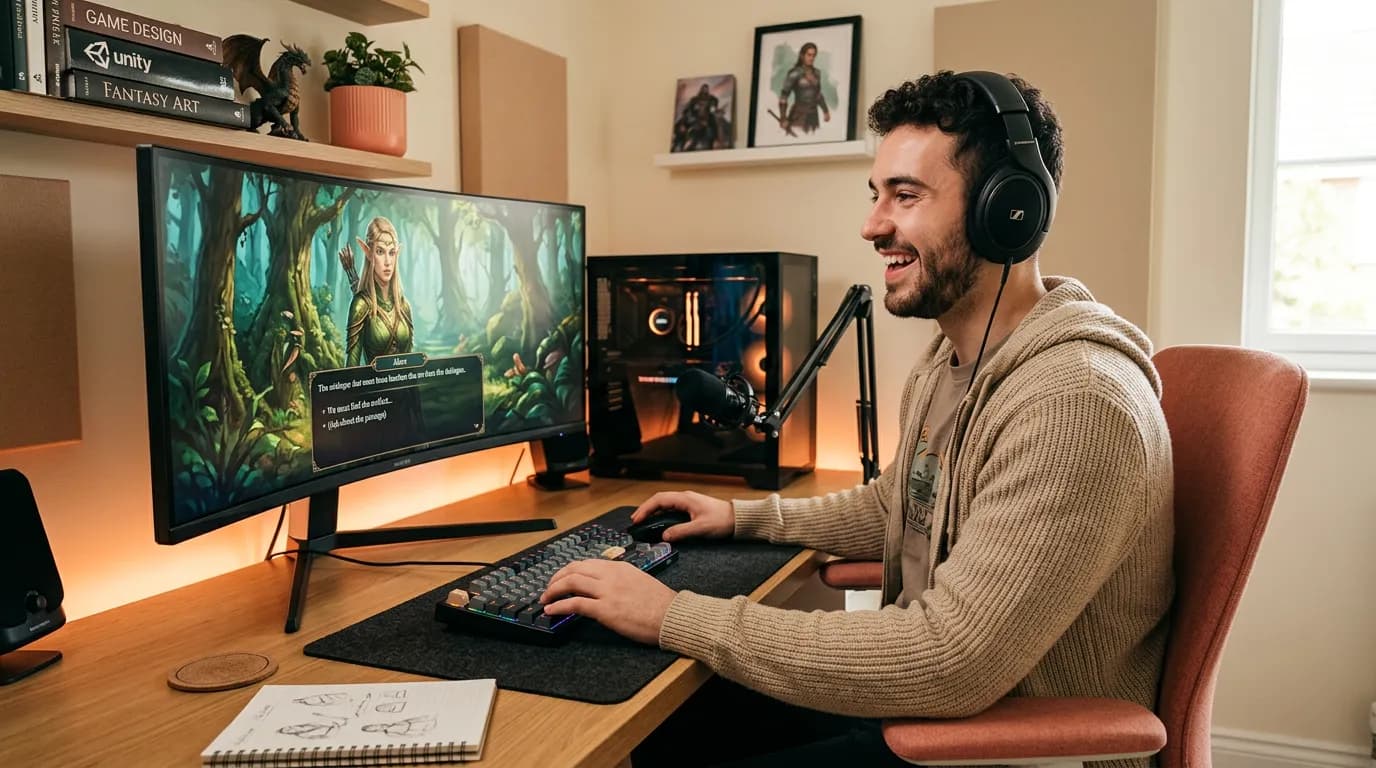
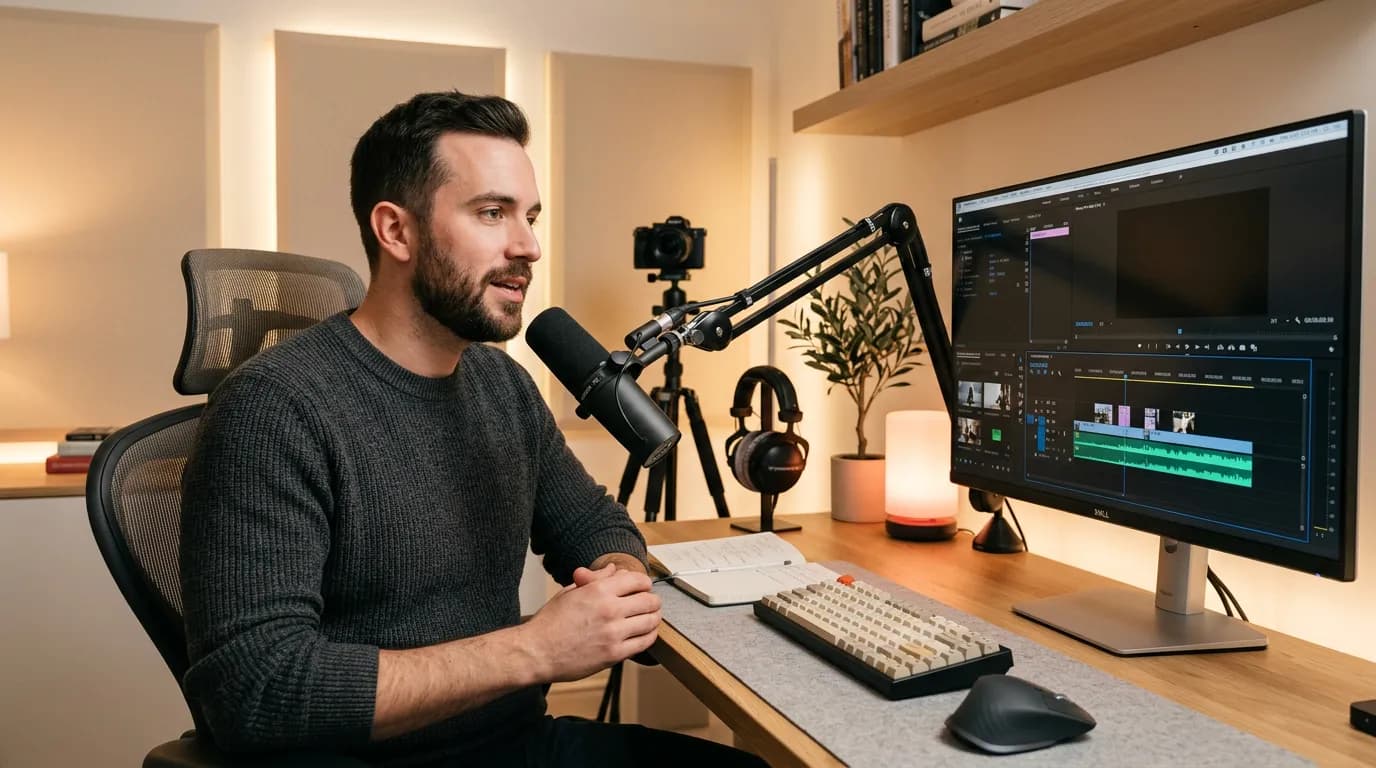
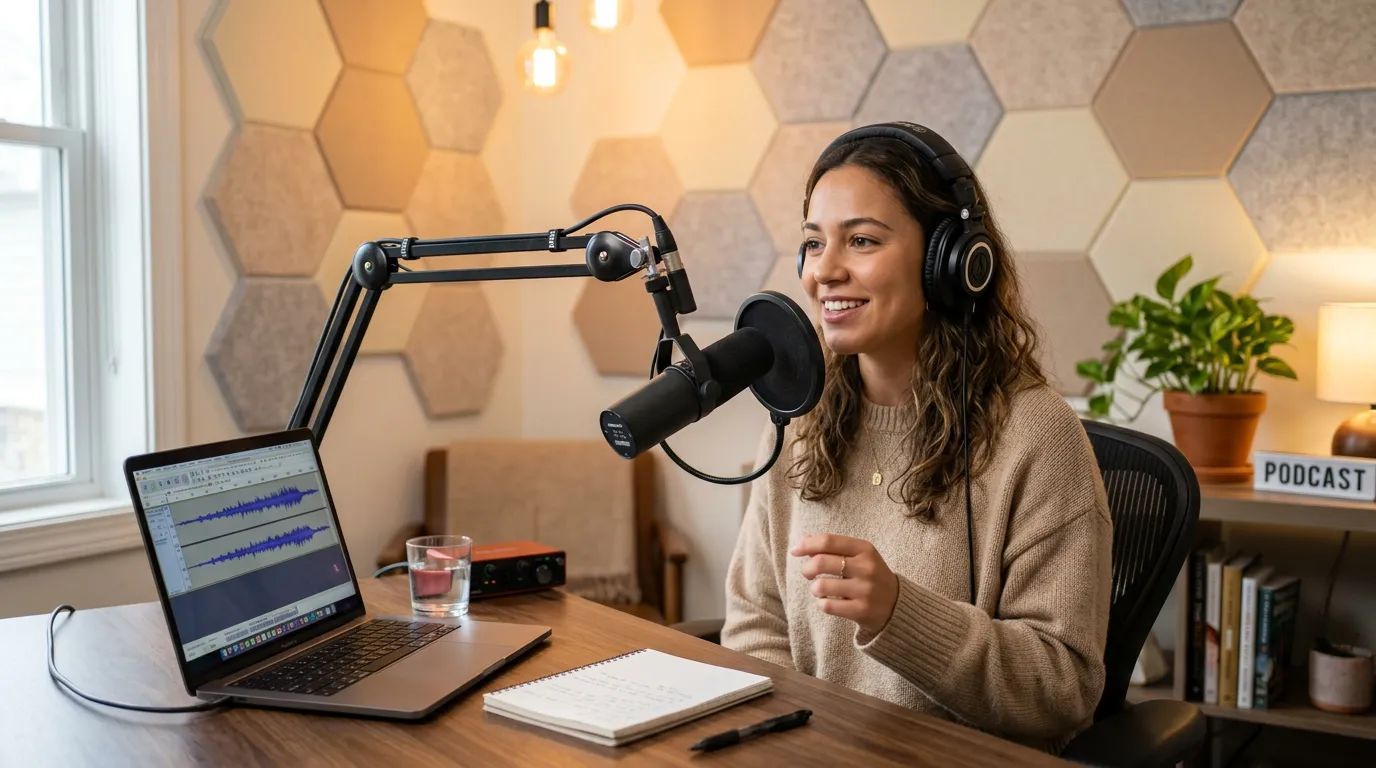
Use one voice for a short clip or build a full project with several speakers. Verbatik supports customer conversations, games, audiobooks, videos, podcasts, and accessible content. Start with the script, choose the right voice, and shape the delivery for the people who will hear it.



Inside the app
Keep the script and voice settings in the same workspace. Choose Single mode for one narrator or Dialogue for several speakers. Add pauses, emphasis, pronunciation, speed, pitch, and volume without leaving the editor. The character counter, generation button, history, and downloads stay close to the text you are reviewing.
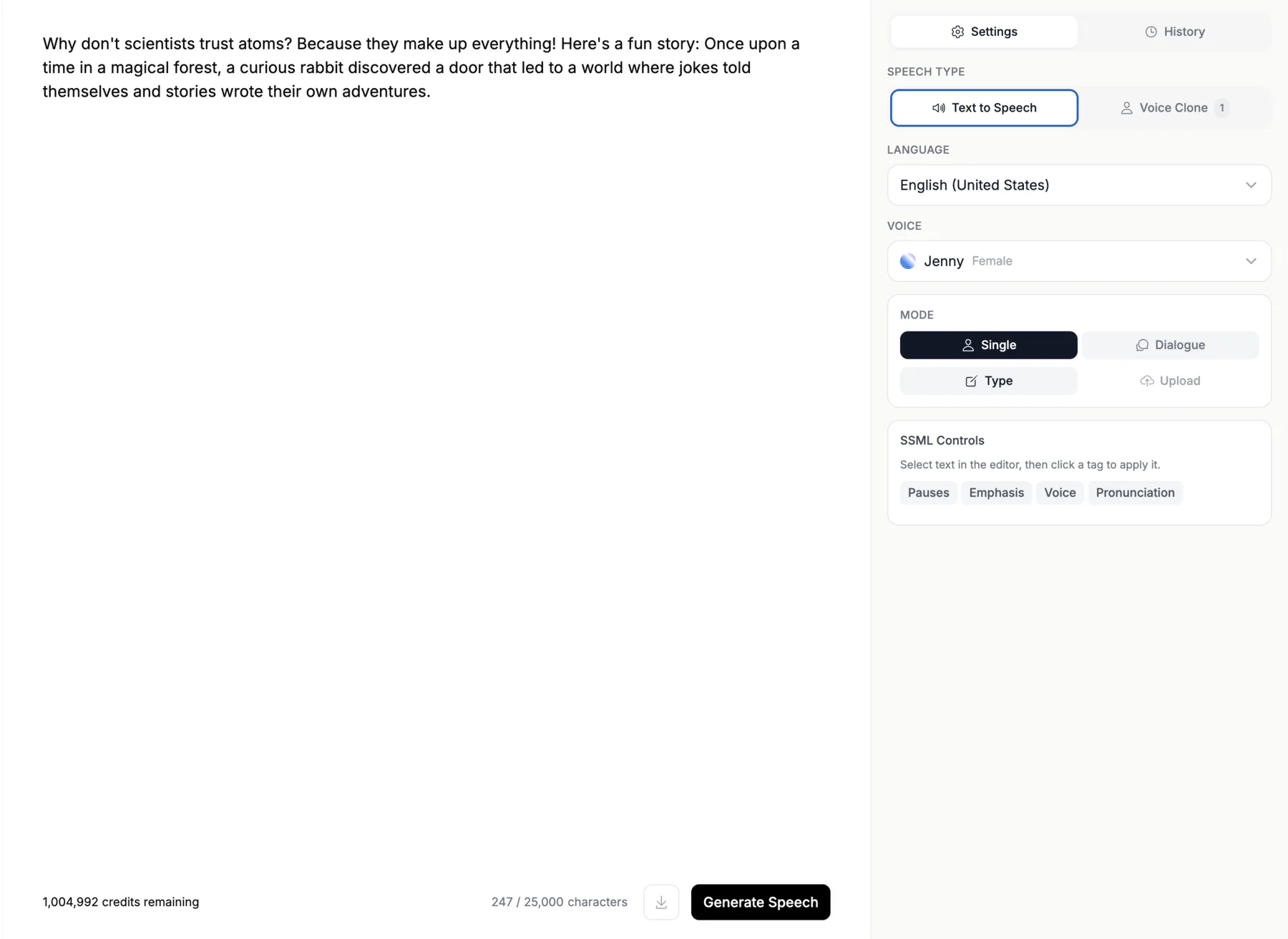
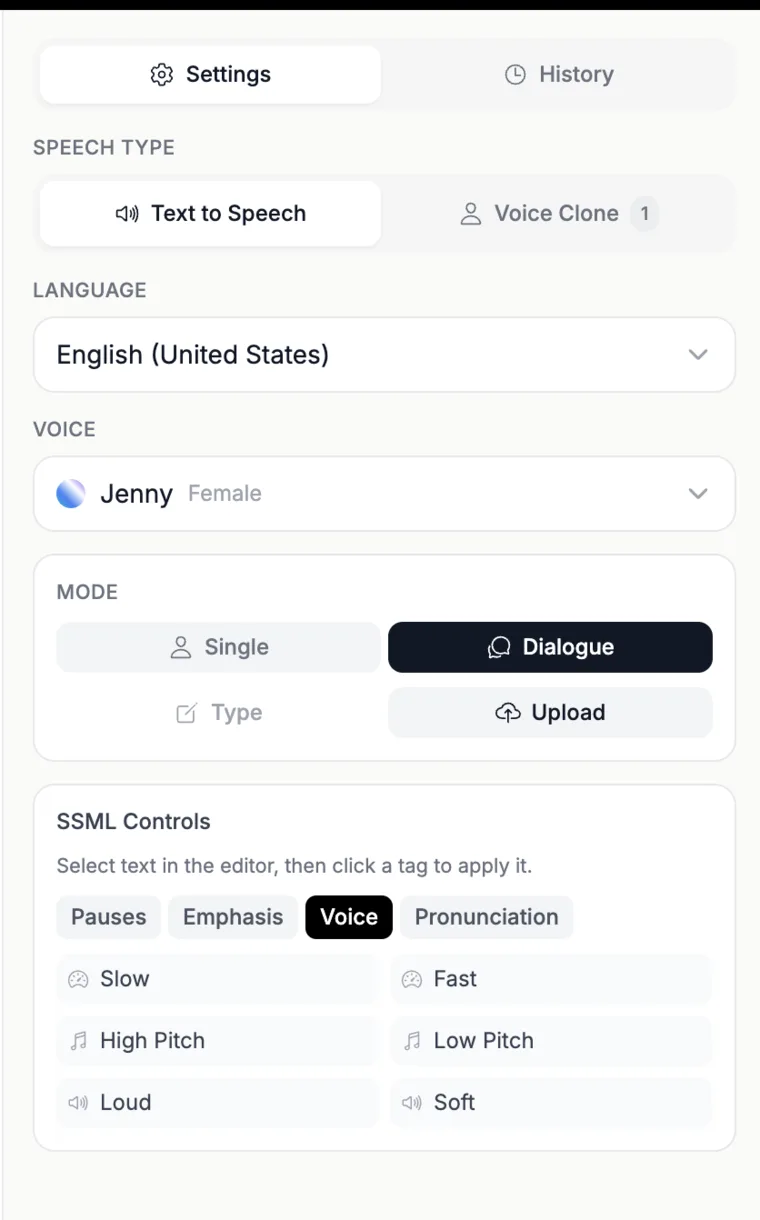
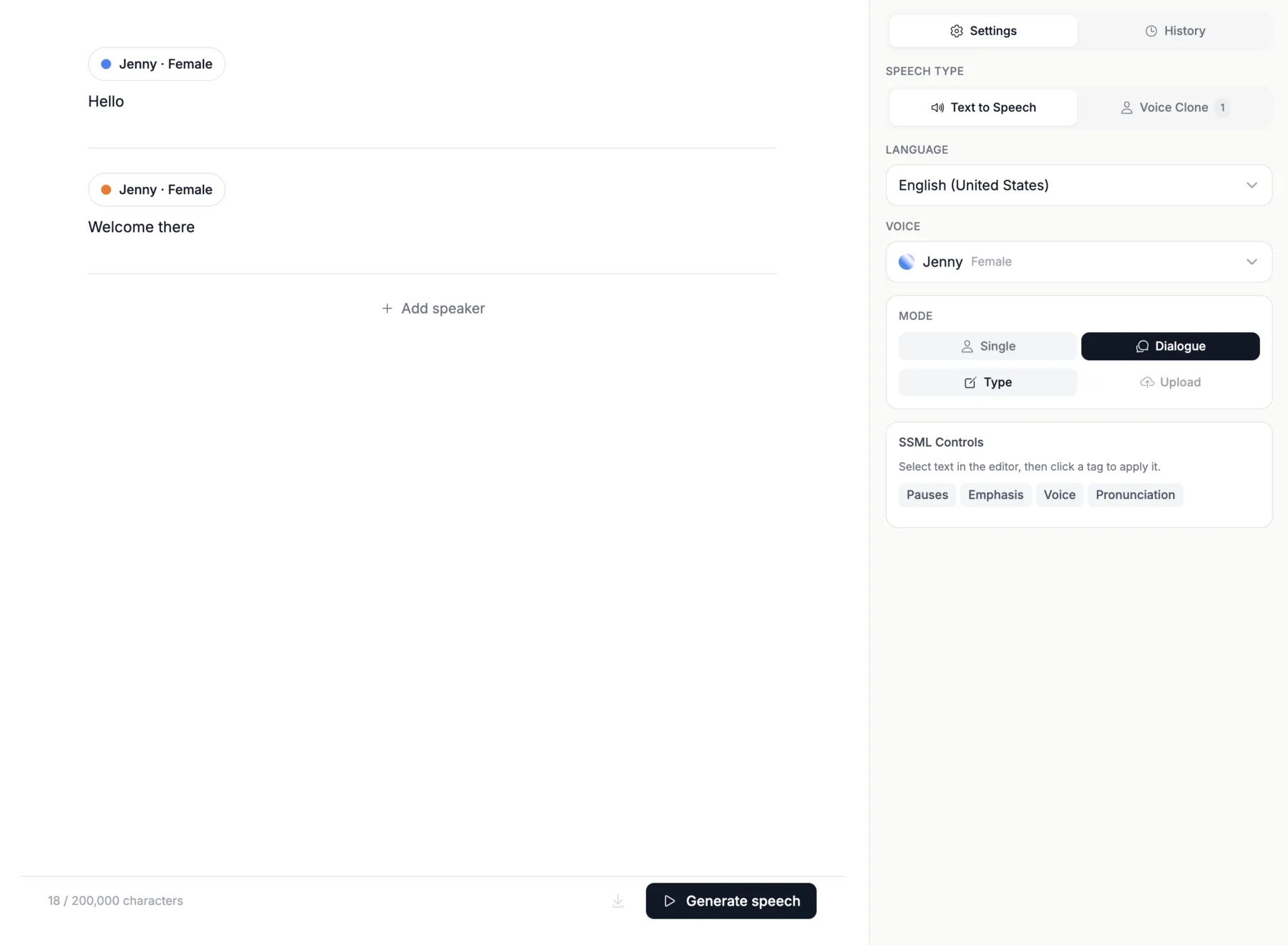
Listen to real samples from our library of 1,500+ voices across 150+ languages.
Aria
Lucia
Denise
Conrad
Francisca
Nanami
For developers
Add text to speech to a product without rebuilding the Verbatik editor. Send text, choose a voice, and receive audio through the API. Use REST for saved jobs and larger scripts. Use streaming when a chatbot, agent, or live interface needs to begin speaking before the full audio file is ready.
Read the API documentation{
"text": "Make every word feel present.",
"voice": "jenny-en-us",
"format": "mp3"
}Answers before you generate
Realistic text to speech turns written text into audio that follows natural speaking patterns. It handles pauses, sentence rhythm, pronunciation, emphasis, and changes in emotion. Verbatik reads the full sentence before speaking. This helps the voice stress the right words and avoid a flat delivery. You can preview several voices before generating the final track.
A realistic text to speech tool needs clear samples, strong language coverage, and useful controls. Verbatik includes more than 1,500 voices across 150+ languages and accents. Compare real recordings in the selector above. Then adjust pronunciation, pauses, pacing, and dialogue inside the app. This makes it easier to match the voice to your audience and script.
Yes. You can try Verbatik for free. The samples on this page play before you create an account. Choose a language and voice, enter your own script, and select Generate Speech when you are ready. The button opens the sign-up page.
The live preview above does not generate custom audio until you create an account.
The single-speaker editor supports 25,000 characters in one project. Dialogue mode supports 200,000 characters for scripts with several speakers. The counter below the editor shows the current length as you type. For a long book or course, divide the source into chapters or lessons. This keeps review, pronunciation changes, and final audio files easy to manage.
Verbatik exports generated speech as MP3, WAV, or FLAC. MP3 creates a smaller file for websites, podcasts, and quick sharing. WAV keeps uncompressed quality for video editing and mastering. FLAC keeps lossless quality in a smaller archive. Choose the format that matches the next step in your current production process.
Yes. Paid Verbatik plans include commercial use for generated speech. You can use the audio in videos, podcasts, audiobooks, ads, games, courses, and client work. You remain responsible for the script and the way the finished audio is used. A cloned voice also requires permission from the person whose voice you record or upload.
Yes. You can paste text into the editor or work with PDF, DOCX, TXT, and SRT files in the dashboard. Document input saves time on long scripts and subtitle projects. Review the imported text before generating. Check headings, speaker names, abbreviations, and unusual words so the voice reads the source in the intended order.
A voice can sound robotic when it does not fit the script or the text lacks useful punctuation. Long sentences also make timing harder. Start with a voice made for your language and use case. Break complex ideas into shorter sentences. Add commas, pauses, and pronunciation rules. Preview the result and revise the text before generating the full project.
Aria is a strong starting point for expressive English narration. The best match also depends on the speaker, audience, and type of content. Use the selector above to hear real samples from every supported language. Compare at least three voices with the same sentence. Listen for pronunciation, pace, warmth, and how each voice handles the final words.
Testimonials

Craig P.
GB
“I was really surprised at just how good some of the voices are. You can add tags for emphasis, pauses, and pronunciation. Great for video voice-overs. Recent additions also allow AI photos, videos, and music.”
Cristian C.
Administrator
“VERBATIK is straightforward to use and improves content quality quickly. I value its ability to provide suggestions and corrections while keeping my intended tone intact.”
Bejan Andrei
MD
“We use Verbatik for promotional videos, explainers, and short ads. The AI voices sound professional, avatars look great, and the video generator helps produce content fast.”

Tom G.
Mr
“I like the way text to speech is working, very fast, especially when using APIs, and the voice cloning ability is very good.”

Makgotso R.
Content Creator
“The broad range of AI voices and the ability to personalize the voice experience is very valuable to me as a content creator.”
Lucian
RO
“The voices sound incredibly natural after recent updates. You can clone your voice, generate AI avatars, or mix in background music — all from the same dashboard.”
Blog
One platform for voice, video, music, and images — all included in your plan.
Start creating today
Join 150,000+ creators, developers, and businesses using Verbatik AI to produce studio-quality voiceovers, clone voices, and generate music and sound effects.
150K+
creators
150+
languages
75ms
latency
Trusted by teams at leading companies worldwide
We use cookies to run the site, analyse traffic, and improve our marketing. You can accept all, reject non-essential cookies, or choose what to allow. See our Cookie Policy and Privacy Policy.


